Base64 Encoder / Decoder
Type or paste text below to encode it to Base64, or paste Base64 to decode it back to plain text — instantly, both ways.
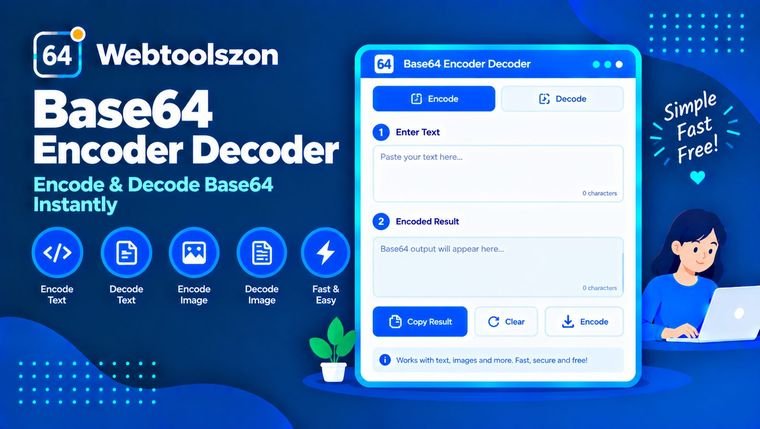
Input
Result
How to encode or decode Base64
- Type or paste text into the box on the left.
- Choose "Encode to Base64" or "Decode from Base64" depending on which direction you need.
- Copy the result on the right.
What Base64 is used for
Base64 turns arbitrary data into a string of printable ASCII characters, which makes it safe to embed inside contexts that don't handle raw binary well — JSON payloads, URLs, email attachments, and configuration files that store API keys or small images inline. It's an encoding scheme, not encryption, so anyone can decode it back to the original data; it isn't intended to keep information secret.
Use this base64 converter in either direction: switch to "Decode from Base64" to reverse an encoded string back to readable text, or "Encode to Base64" to prepare text for a system that expects it.
FAQ
Is this Base64 encoder/decoder really free, with no sign-up?+
Yes. The tool runs entirely with JavaScript in your browser — there's no account, no API key, and no limit on how often you can use it.
Does my text get uploaded anywhere?+
No. Everything you type or paste is encoded or decoded locally on your device. Nothing is sent to a server, stored, or logged.
What is Base64 used for?+
Base64 is a way to represent binary or text data using only 64 printable ASCII characters, commonly used to embed data in URLs, JSON, emails, and configuration files where raw binary isn't safe to include.
Does this handle special characters and emoji?+
Yes, the encoder properly handles full Unicode text, including accented letters and emoji, by encoding to UTF-8 bytes before converting to Base64.
What happens if I paste invalid Base64 to decode?+
The tool shows a validation message if the input isn't valid Base64, rather than showing corrupted or garbled output.
Tools for Developers
How This Tool Works
Your text is encoded or decoded live with JavaScript, converting to UTF-8 bytes before Base64 conversion — nothing you type or paste is uploaded to a server or stored anywhere.
Last updated: August 28, 2026.
More tools in the box
Nine more free, no-API-key tools live on the homepage.
Text Diff Checker
Compare two texts line by line and see what changed.
Hash Generator
Generate SHA-1, SHA-256, SHA-384 and SHA-512 hashes from text.
Word Frequency Counter
See how many times each word appears in a text, ranked by frequency.
Text Reverser
Flip text backward, reverse word order, or reverse each word.
Duplicate Line Remover
Strip out repeated lines from any list or block of text.