
Web and app development
Load spreadsheet data into a front end, a mock API or a test fixture without writing a parser.
Paste a CSV or open a file and get JSON straight away. The delimiter is detected for you, quoted values and commas inside cells are handled, and numbers can be converted to real numbers. Copy the result or download it as a .json file. Nothing is uploaded.
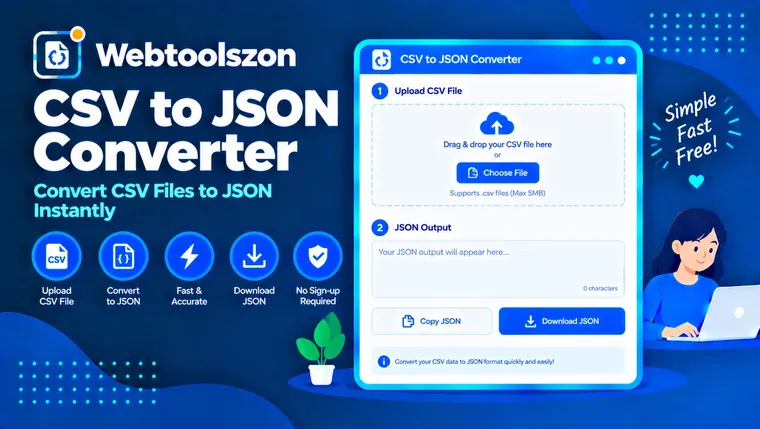
Learn what each option does and how to get JSON your code can use.
CSV is a plain table: one row per line, values split by a comma or another delimiter. JSON stores the same data as objects and arrays that code can read directly. A converter turns each CSV row into a JSON object, using the header row as the key names.
Paste your CSV or open a file and the JSON updates as you go. Quoted values, commas inside quotes, doubled quotes and line breaks inside a cell are handled the way spreadsheet apps export them. If the CSV has stray spaces, clean it first with the Whitespace Remover.
Load spreadsheet data into a front end, a mock API or a test fixture without writing a parser.
Turn exports from Excel, Google Sheets or a database into the JSON an API or import script expects.
Move product lists, translations or settings kept in a sheet into a JSON file your project can use.
Auto-detect checks the first row for commas, semicolons, tabs or pipes. Pick one by hand if a file mixes them. Many European exports use semicolons.
Array of objects gives one object per row keyed by the header. Array of arrays keeps every row as a plain list, header row included.
On, the first row becomes the keys. Off, keys are named column_1, column_2 and so on. Empty or repeated header names are fixed the same way.
Turns 42 into a number and true into a boolean. Values like 007 or long ID numbers over 15 digits stay as text so nothing is lost.
Trim removes spaces around values, Skip empty rows drops blank lines, and Use null for empty values writes null instead of an empty string.
The comma inside "Delhi, NCR" stays part of the value because the cell is wrapped in quotes. To write a quote inside a quoted cell, double it: "".
Your CSV is converted in your browser. It is not uploaded, sent to our server or stored. Only your option choices are remembered on your device.
Very large files depend on your device memory, so files over about 15 MB are refused. The tool reads one flat table. It does not build nested JSON from dotted headers and does not read .xlsx files directly.
Paste your CSV into the box or open a file. The JSON appears at once, with each row turned into an object that uses the header row as keys. Then copy it or download it as a .json file.
Yes. Auto-detect checks the first row for commas, semicolons, tabs and pipes. You can also pick the delimiter yourself if the guess is wrong.
Untick First row is the header. The keys are then named column_1, column_2 and so on, and the first row stays in the data.
A cell wrapped in double quotes can contain commas, line breaks and doubled quotes, just like a spreadsheet export. The quotes are removed in the JSON and the text is kept.
With Convert numbers, true/false and null ticked, plain numbers become numbers and true or false become booleans. Values with leading zeros, such as 007, and numbers over 15 digits stay as text so they are not changed.
Yes. Set JSON shape to Array of arrays. Every row, including the header row, becomes a list of values.
Not .xlsx files. Save the sheet as CSV from Excel or Google Sheets first, then open or paste that file here.
No. The conversion runs in your browser and your data never leaves your device. Only your option choices are remembered for next time.
The homepage features dozens more free tools that don't require an API key.
Remove repeated lines from any list or block of text.
Open toolCompare two texts line by line to see what has changed.
Open toolCount words, characters and sentences as you type.
Open toolConvert length, weight, volume, speed, temperature and more.
Open toolNo matching question.
Share your thoughts on this tool with other visitors.