CSV to JSON Converter
Paste or upload a CSV file to instantly convert it into clean, formatted JSON — with delimiter and header options.
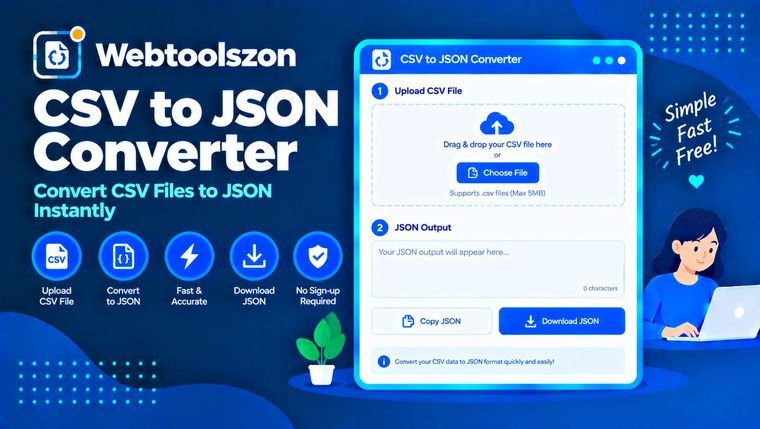
CSV input
Drag & drop a CSV file here
or browse your files
JSON output
Updates instantly as you type.
Reviews
Everything you need to know about CSV to JSON Converter
How the conversion works, what the delimiter and header options do, and where CSV-to-JSON comes up.
- Paste or drop a CSV file, and JSON appears instantly.
- Everything runs locally in your browser — your file is never uploaded.
- Turn off "First row is header" if your CSV starts straight into data rows.
How to use CSV to JSON Converter
- Paste your CSV text or drag and drop a .csv file into the input box.
- Pick a delimiter and whether the first row is a header.
- The converted JSON appears instantly — copy it or download it as a .json file.
Why convert CSV to JSON
Spreadsheets and exports come out as CSV, but most APIs, web apps, and NoSQL databases expect JSON. Writing a converter script for a one-off task is overkill, and manually restructuring rows into objects is tedious and error-prone once quoted fields or embedded commas show up.
This tool parses your CSV properly — including quoted fields with commas or line breaks inside them — and outputs clean, indented JSON instantly in your browser.
Getting the options right
| Setting | Best for | Why it's worth checking |
|---|---|---|
| Auto-detect delimiter Good default | Most CSV files | Picks the most common separator on the first line automatically. |
| Semicolon / Tab | European exports, TSV files | Some regions and tools export with semicolons or tabs instead of commas. |
| First row is header | Files with column names on line 1 | Turns column names into JSON keys instead of generic column1, column2. |
CSV to JSON Converter without uploading your file
When you drop or select a CSV file, it's read directly in your browser using the File API — the contents load into a text box on the page and are parsed by JavaScript running locally. Nothing is transmitted to a server, logged, or stored.
Because there's no upload involved, there's no server-side file size cap; the only practical limit is how much text your browser can comfortably hold in memory.
Your CSV data never leaves your device. Parsing and conversion are pure client-side JavaScript, with nothing logged or stored.
Need to reformat the output afterward? The Case Converter tool can help standardize key names.
Array of objects vs. flat array — how the JSON is shaped
| Output shape | Best for | Trade-off |
|---|---|---|
| Array of objects (this tool) Good default | APIs, databases, most JSON consumers | Larger file size since keys repeat per record, but self-describing and easy to work with. |
| Header row + array of arrays | Very large datasets where file size matters | More compact, but consumers need the header list to know what each value means. |
Most tools and APIs expect an array of objects like this one produces — it's the safer default unless you have a specific reason to need a more compact shape.
What people use CSV to JSON Converter for
- API developmentTurning a spreadsheet export into sample or seed data for an API.
- Data migrationMoving data from a CSV export into a JSON-based database or config file.
- Web developmentFeeding structured data into a JavaScript front end or static site generator.
- Data analysisReshaping spreadsheet data for tools that expect JSON input.
- TestingQuickly generating JSON fixtures from a small hand-written CSV table.
How This Tool Works
The conversion runs live in your browser via JavaScript, using a custom RFC-4180-style parser that handles quoted fields, escaped quotes, and embedded delimiters — nothing is uploaded, stored, or logged.
Last updated: September 13, 2026.
Was this guide helpful?
More tools in the box
Fourteen more free, no-API-key tools live on the homepage.
Word Counter
Live word, character, sentence and paragraph counts.
Image Resizer
Resize JPG, PNG and WEBP images by pixels or percent.
Image to PDF
Combine images into a single downloadable PDF.
JSON Formatter
Beautify, minify and validate JSON with error hints.
Password Generator
Strong random passwords with custom rules.