Pengubah Markdown ke HTML
Type or paste Markdown below to see it converted instantly into HTML, with a live rendered preview alongside the raw code.
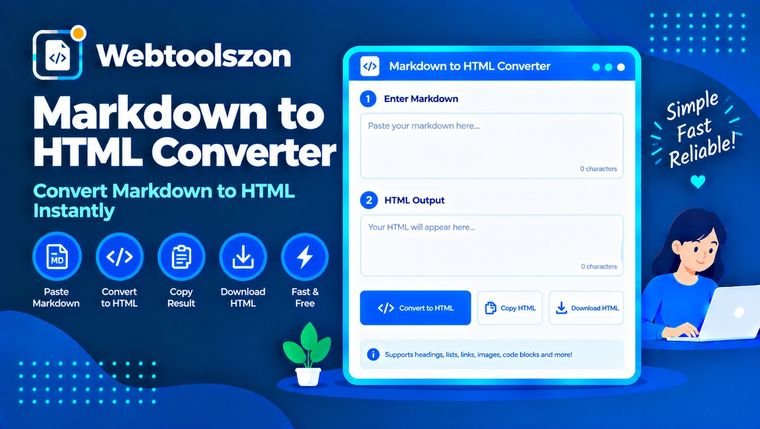
Markdown input
Live preview
HTML code
Ulasan
How to convert Markdown to HTML
- Type or paste Markdown into the box on the left.
- Watch the live rendered preview and the raw HTML code update instantly on the right.
- Copy the HTML code to paste into a website, CMS, or email template.
When you'd convert Markdown to HTML
Markdown is fast to write but most places that display content — email templates, CMS fields, static site generators without built-in Markdown support — expect HTML. Rather than hand-writing tags, this markdown converter online lets you draft in plain Markdown, watch the live preview to confirm it renders the way you expect, then copy the generated HTML straight into wherever it needs to go.
Supported Markdown syntax
| Markdown | Result |
|---|---|
| # Heading | Heading (levels 1–6 with more #) |
| **bold** or __bold__ | Bold text |
| *italic* or _italic_ | Italic text |
| `code` | Inline code |
| [text](url) | Link |
| - item | Bullet list |
| 1. item | Numbered list |
| > quote | Blockquote |
Soalan Lazim
Is this Markdown to HTML converter really free, with no sign-up?+
Ya. Alat ini dijalankan sepenuhnya dengan JavaScript di pelayar anda — tiada akaun, tiada kunci API, dan tiada had kekerapan anda menggunakannya.
Which Markdown syntax is supported?+
Headings, bold, italic, inline code, links, blockquotes, horizontal rules, and both ordered and unordered lists are supported.
Does my Markdown get uploaded anywhere?+
No. Everything you type is converted locally in your browser. Nothing is sent to a server, stored, or logged.
Can I copy the generated HTML code?+
Yes, click the copy button above the HTML code panel to copy the raw generated markup to your clipboard.
Does it support tables or images?+
This converter covers the most commonly used Markdown syntax for quick notes and documentation. Tables and embedded images are not currently supported.
More Utilities to Try
Bagaimana penukar ini berfungsi
Your Markdown is converted live to HTML with JavaScript, parsing the supported syntax into matching markup — nothing you type is uploaded to a server or stored anywhere.
Dikemas kini terakhir: 28 Ogos 2026.
Lebih banyak alat dalam kotak
Sembilan lagi alat percuma tanpa kunci API terdapat di halaman utama.
Penjana Palet Warna
Generate complementary, analogous and shade palettes from any color.
Penukar Teks
Balikkan teks ke belakang, terbalikkan susunan perkataan, atau terbalikkan setiap perkataan.
Pengilang Garis Duplikat
Menghilangkan baris yang berulang daripada mana-mana senarai atau blok teks.
Pengilang Ruang Putih
Padatkan ruang tambahan dan bersihkan jarak baris yang berserabut.
Pengilang Garis Putus
Satukan semula baris yang terputus menjadi satu perenggan yang kemas.