Markdown to HTML Converter
Type or paste Markdown below to see it converted instantly into HTML, with a live rendered preview alongside the raw code.
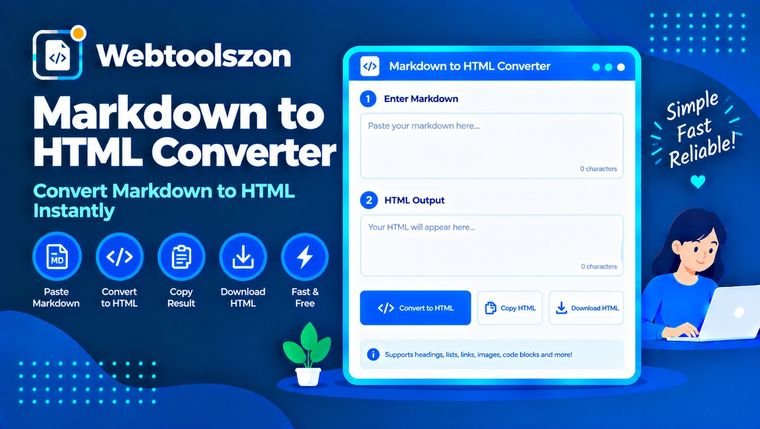
Markdown input
Live preview
HTML code
விமர்சனங்கள்
How to convert Markdown to HTML
- Type or paste Markdown into the box on the left.
- Watch the live rendered preview and the raw HTML code update instantly on the right.
- Copy the HTML code to paste into a website, CMS, or email template.
When you'd convert Markdown to HTML
Markdown is fast to write but most places that display content — email templates, CMS fields, static site generators without built-in Markdown support — expect HTML. Rather than hand-writing tags, this markdown converter online lets you draft in plain Markdown, watch the live preview to confirm it renders the way you expect, then copy the generated HTML straight into wherever it needs to go.
Supported Markdown syntax
| Markdown | Result |
|---|---|
| # Heading | Heading (levels 1–6 with more #) |
| **bold** or __bold__ | Bold text |
| *italic* or _italic_ | Italic text |
| `code` | Inline code |
| [text](url) | Link |
| - item | Bullet list |
| 1. item | Numbered list |
| > quote | Blockquote |
அடிக்கடி கேட்கப்படும் கேள்விகள்
Is this Markdown to HTML converter really free, with no sign-up?+
ஆம். இந்தக் கருவி உங்கள் உலாவியில் ஜாவாஸ்கிரிப்ட்டைக் கொண்டு முழுமையாக இயங்குகிறது — கணக்கு, ஏபிஐ சாவ் ஆகியவை இல்லை, மேலும் நீங்கள் இதை எத்தனை முறை பயன்படுத்தலாம் என்பதற்கு வரம்பும் இல்லை.
Which Markdown syntax is supported?+
Headings, bold, italic, inline code, links, blockquotes, horizontal rules, and both ordered and unordered lists are supported.
Does my Markdown get uploaded anywhere?+
No. Everything you type is converted locally in your browser. Nothing is sent to a server, stored, or logged.
Can I copy the generated HTML code?+
Yes, click the copy button above the HTML code panel to copy the raw generated markup to your clipboard.
Does it support tables or images?+
This converter covers the most commonly used Markdown syntax for quick notes and documentation. Tables and embedded images are not currently supported.
More Utilities to Try
இந்த மாற்றி எவ்வாறு செயல்படுகிறது
Your Markdown is converted live to HTML with JavaScript, parsing the supported syntax into matching markup — nothing you type is uploaded to a server or stored anywhere.
கடைசியாகப் புதுப்பிக்கப்பட்டது: ஆகஸ்ட் 28, 2026.
கூடுதல் கருவிகள்
முகப்புப் பக்கத்தில் மேலும் ஒன்பது இலவச, API-சாவி தேவையற்ற கருவிகள் உள்ளன.
Color Palette Generator
Generate complementary, analogous and shade palettes from any color.
Text Reverser
Flip text backward, reverse word order, or reverse each word.
Duplicate Line Remover
Strip out repeated lines from any list or block of text.
Whitespace Remover
Collapse extra spaces and clean up messy line spacing.
Line Break Remover
Join broken lines back into a single clean paragraph.