Decimal to Binary Converter
Convert decimal numbers to binary, or binary back to decimal, instantly — with bonus hexadecimal and octal output.
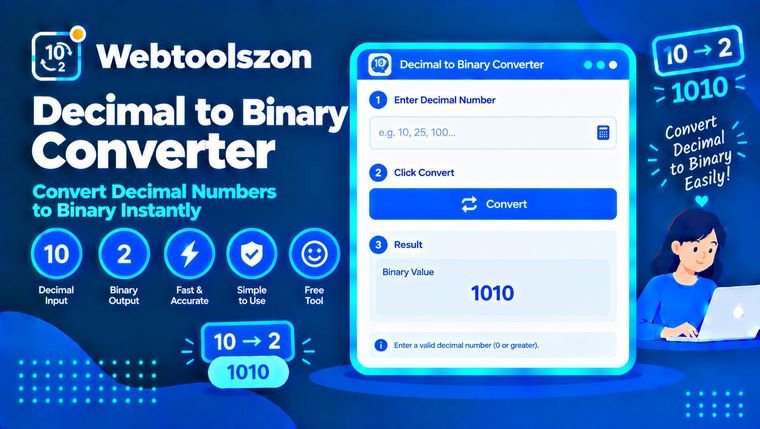
Input
Any whole, non-negative number.
Result
Updates instantly as you type.
Reviews
Everything you need to know about Decimal to Binary Converter
How the division-remainder method works, and where binary numbers show up in everyday computing.
- Pick a direction, type a number, and the conversion updates instantly.
- Everything runs locally in your browser — nothing you enter is ever uploaded.
- Hexadecimal and octal are shown alongside the main result at no extra step.
How to use Decimal to Binary Converter
- Pick "Decimal to Binary" or "Binary to Decimal" depending on what you're converting.
- Type a whole decimal number or a binary value (0s and 1s) into the input field.
- The converted value appears instantly, along with the equivalent hexadecimal and octal representations.
Why convert decimal and binary
Computers store and process everything as binary under the hood, but people think in decimal. Whenever you're reading register values, debugging bit flags, working with networking masks, or just learning how computers count, you end up needing to translate between the two.
Doing that math by hand is easy to get wrong for anything longer than a few digits. This tool converts both directions instantly in your browser, and throws in the hexadecimal and octal equivalents for free.
Where each base shows up
| Base | Best for | Why it's worth checking |
|---|---|---|
| Decimal This tool's default | Everyday math and communication | The base humans naturally think and calculate in. |
| Binary | How data is actually stored in hardware | Every byte, flag, and register is ultimately binary. |
| Hexadecimal & octal | Compact shorthand for binary | Common in memory addresses, color codes, and file permissions. |
Decimal to Binary Converter without uploading anything
The number you type is read directly by JavaScript running in your own browser tab, converted on the spot, and shown back to you — it's never sent to a server, logged, or stored.
Because nothing is uploaded, the only practical limit is how large a number your browser can represent precisely (see the FAQ below).
Your numbers never leave your device. Conversion is pure client-side JavaScript, with nothing logged or stored.
Need to encode text instead of numbers? The Base64 Encoder/Decoder tool handles a similar kind of encoding for text.
The division-remainder method, step by step
| Step | Decimal 11 ÷ 2 | Remainder |
|---|---|---|
| 1 | 11 ÷ 2 = 5 | 1 |
| 2 | 5 ÷ 2 = 2 | 1 |
| 3 | 2 ÷ 2 = 1 | 0 |
| 4 | 1 ÷ 2 = 0 | 1 |
Reading the remainders from bottom to top gives 1011 — the binary form of 11. This tool runs that same process instantly, however many digits your number has.
What people use Decimal to Binary Converter for
- Computer science learningUnderstanding number systems and how computers represent data.
- Debugging & low-level workReading register values, bit flags, or memory dumps.
- NetworkingWorking out subnet masks and IP address bit patterns.
- Homework & exam prepChecking manual base-conversion work for accuracy.
- Electronics & embedded systemsTranslating register or pin-state values between bases.
How This Tool Works
The conversion runs live in your browser via JavaScript, using standard positional-notation math (and the browser's built-in number base formatting) — nothing is uploaded, stored, or logged.
Last updated: September 14, 2026.
Was this guide helpful?
More tools in the box
Fourteen more free, no-API-key tools live on the homepage.
Word Counter
Live word, character, sentence and paragraph counts.
Image Resizer
Resize JPG, PNG and WEBP images by pixels or percent.
Image to PDF
Combine images into a single downloadable PDF.
JSON Formatter
Beautify, minify and validate JSON with error hints.
Password Generator
Strong random passwords with custom rules.