
Homework and learning
Use the step-by-step working to check number-system exercises and see how each bit contributes to the final decimal value.
Need to convert a binary number quickly? Enter it above and get the decimal value instantly. This free binary to decimal converter online also shows the working, hexadecimal and octal values, so you can check the answer instead of trusting a number with no explanation.
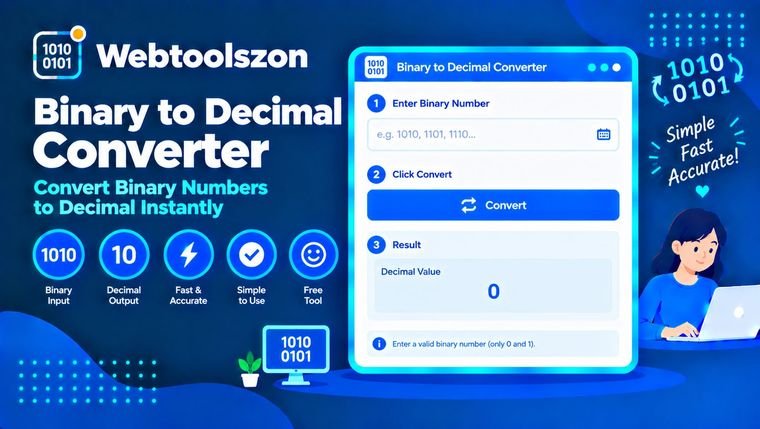
Add a point for fractions, such as 101.101. Longer numbers up to 4,096 bits are converted exactly.
Enter a binary number to see each bit and its place value.
Uses the same settings as above. Up to 500 lines.
Your decimal results will appear here.
Convert binary to decimal, check two's complement values, and see exactly how each bit adds up.
Binary uses only 0 and 1, while decimal is the number system we normally use from 0 to 9. Converting binary to decimal simply means finding the ordinary decimal number represented by a binary pattern. For example, 1010 is 10 in decimal.
Binary appears everywhere in computing, from program data and bit flags to electronics and networking. If you only need an answer, the converter does the arithmetic for you. If you are learning the method, the calculation panel lets you see where the answer comes from.
You do not need to be a programmer to run into binary. It appears in computer science lessons, code, networking and electronics, and a quick converter is useful whenever you need to check a value.
Use the step-by-step working to check number-system exercises and see how each bit contributes to the final decimal value.
Check bit flags, masks and register values without doing the place-value arithmetic by hand. Signed mode is also useful when a bit pattern represents a negative integer.
Work with binary groups used in networking and electronics. For repeated conversions, paste one value per line into the list converter and copy the decimal results together.
Looking for a binary decimal calculator for a quick value? These examples show the kind of binary-to-decimal conversions you can check with the tool, including short values, 0b-prefixed input and common bit patterns.
These examples cover several searches people commonly make when checking a binary value. They are all unsigned conversions; use Signed mode when the bit pattern represents a two’s-complement integer.
| Binary | Decimal | Hex | Working |
|---|---|---|---|
| 0010 | 2 | 2 | 2 |
| 0100 | 4 | 4 | 4 |
| 101 | 5 | 5 | 4 + 1 |
| 1010 | 10 | A | 8 + 2 |
| 1111 | 15 | F | 8 + 4 + 2 + 1 |
| 10000 | 16 | 10 | 16 |
| 0b101010 | 42 | 2A | 32 + 8 + 2 |
| 11111111 | 255 | FF | 128 + 64 + 32 + 16 + 8 + 4 + 2 + 1 |
| 100000000 | 256 | 100 | 256 |
| 1111101000 | 1000 | 3E8 | 512 + 256 + 128 + 64 + 32 + 8 |
Most conversions come down to place values. Signed numbers add one more idea: two’s complement, which is how many systems represent negative integers.
Each position is a power of two. Starting at the right, the values are 1, 2, 4, 8, 16 and so on. Add the values where the bit is 1 and skip the positions containing 0.
There is another handy way to convert binary without writing powers of two. Start at 0, read from left to right, double the running total and add the next bit. For 1101, the running values are 1, 3, 6 and 13.
Digits after a binary point represent fractions: 1/2, 1/4, 1/8 and so on. For example, 101.101 equals 4 + 1 + 0.5 + 0.125, giving 5.625.
For a signed value, the leftmost bit acts as the sign bit for the chosen width. In 8-bit two’s complement, 11111110 represents −2, while the same eight bits represent 254 when read as unsigned.
The converter first cleans spaces, underscores and a leading 0b prefix, then checks that the input contains valid binary digits and, in unsigned mode, at most one binary point. It calculates the value with exact big-number arithmetic. That means long binary values can be converted without the rounding problems you can get from ordinary floating-point arithmetic.
Conversions are performed locally in your browser. The binary values you enter are not uploaded to the server or saved by the converter.
The converter accepts binary values up to 4,096 bits and up to 500 lines in the batch converter. Two’s complement is for whole numbers, while binary fractions are supported in unsigned mode. Hexadecimal and octal represent the entered bit pattern.
Dozens more free, no-API-key tools live on the homepage.
Count words, characters and reading time as you type.
Open toolCreate a downloadable QR code from any link or text.
Open toolCollapse extra spaces and clean up messy line spacing.
Open toolCompare two texts line by line and see what changed.
Open toolNo matching question.
Tell other visitors what you thought of this tool.